Capture at the speed of thought.
Press Alt + ` from anywhere to instantly capture todos and memos. Never lose an idea again.
Everything in one place.
Captured in a keystroke. Organized at a glance.
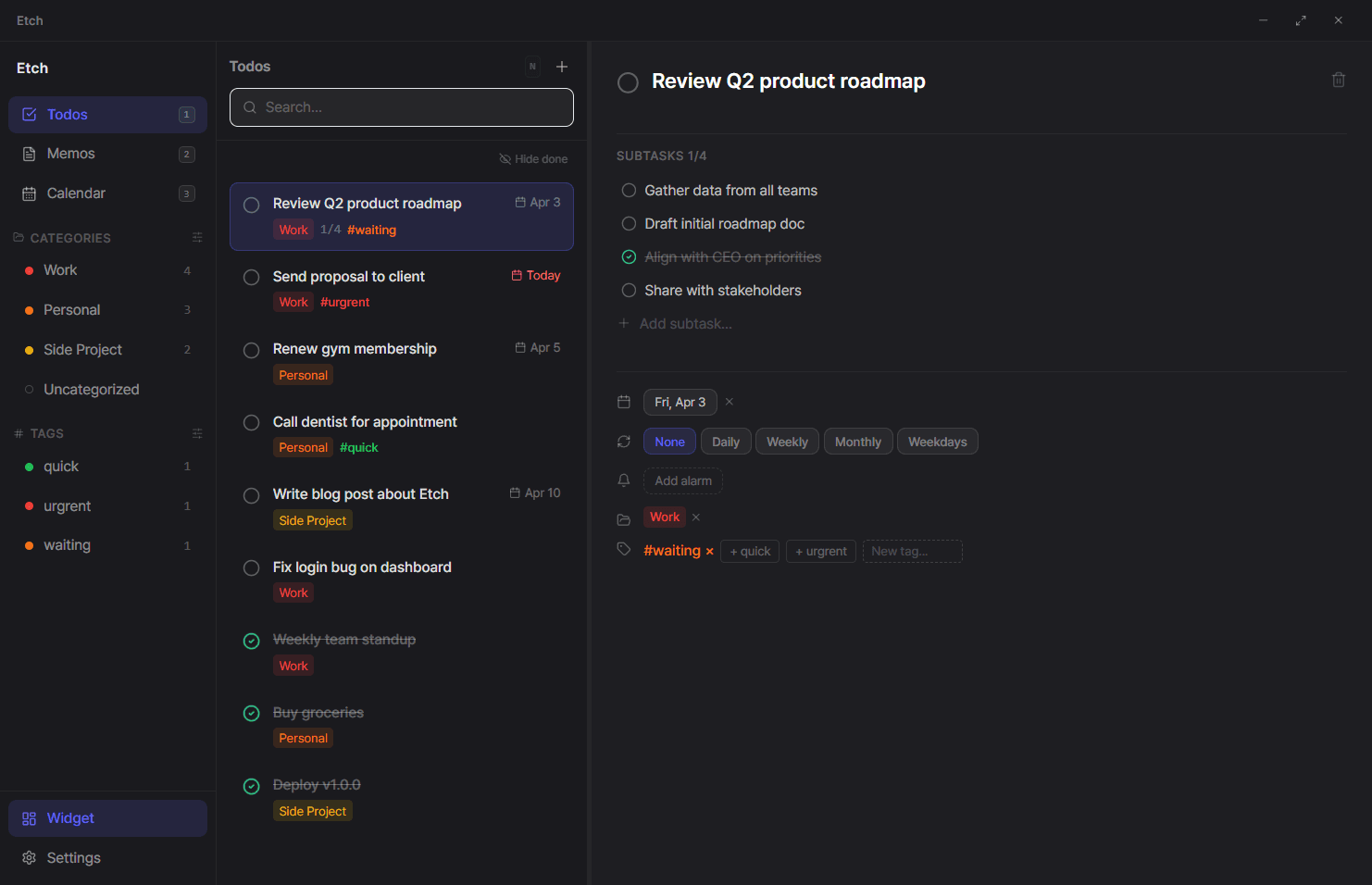
Engineered for focus.
Every feature is designed to keep you in flow.
Instant Capture
Hit Alt+` anywhere on your system. No apps to open, no tabs to switch. Just type and enter.
Desktop Widget
Pin a live todo widget to your desktop. Stay aware of your day without looking.
Smart Priority
Overdue tasks surface automatically. See what matters most right now.
AI Parsing
Type naturally. “Submit report by Friday #work” — Etch extracts the date, category, and tags automatically.
Keyboard-First
Navigate everything with arrow keys and shortcuts. Designed for power users who hate the mouse.
Three keystrokes. Done.
Summon
Hit Alt + ` anywhere on your Windows PC. The Etch portal slides into focus instantly.
Capture
Type your todo or memo. Add tags, due dates, or categories inline.
Done
Press Ctrl + Enter. The portal vanishes, your idea is saved, and you're right back where you started.
Simple pricing.
Billed $59.88/year
- check5,000 todos
- check500 memos
- check50 categories
- checkCloud sync
- checkAI parsing
Your ideas are waiting.
Free download. No account required to start.
Download for Windows